PlugUpp Live Pricing for Freemius
Freemius pricing, live on your own pages with blocks or shortcodes, in each visitor's currency, refreshed so it never goes stale.
What it is for
A price typed into a page is a copy. Change the price in the Freemius dashboard and the page still shows the old one until somebody remembers to open the editor. This plugin removes the copy: the page holds a shortcode, and the shortcode renders whatever the price is now.
How it works, briefly
- You give the plugin your Freemius product id and a read-only API Bearer Authorization Token.
- It fetches the product's plans and prices and stores them on your site.
- You paste a webhook URL into the Freemius dashboard. From then on, a price change reaches your pages in seconds.
- Your pages carry a Freemius price or buy button wherever a figure or a
button belongs, in tiles and in sentences alike, as a block in the editor or
as a
[pflp_price]or[pflp_button]shortcode anywhere else.
Your visitors never wait for Freemius. Pages render the stored prices, so a slow or unavailable API cannot slow a page down, and if a refresh ever fails the last known prices stay on the page while an admin notice tells you.
Currency
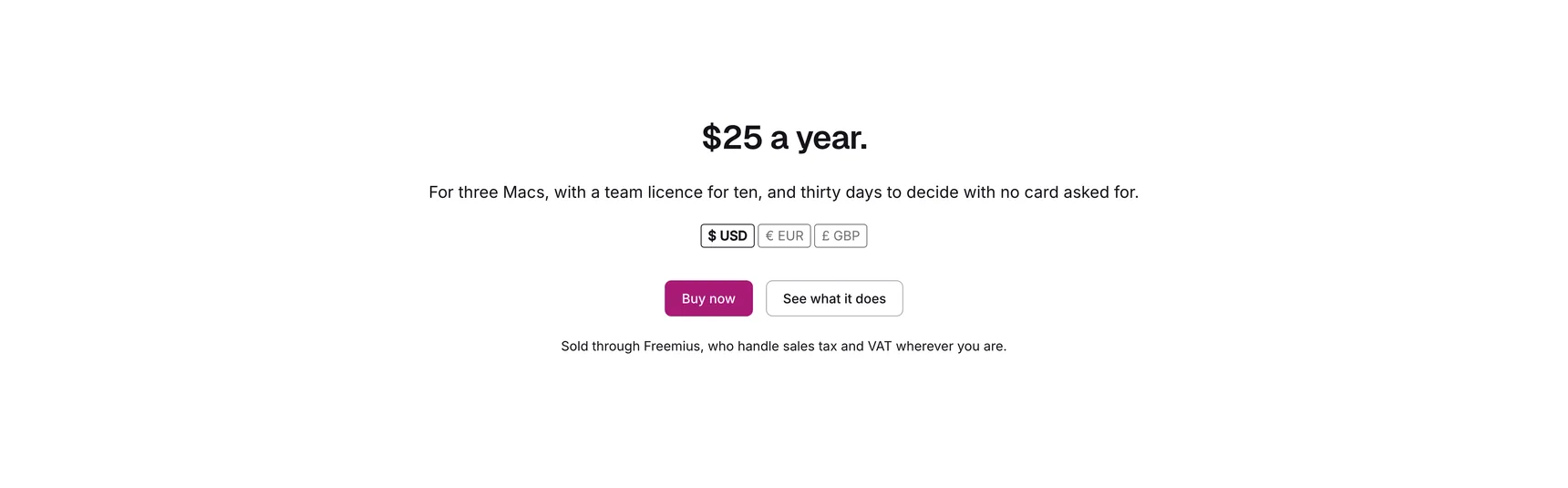
Each price is written into the page in every currency the plan is sold in, and
the visitor's browser picks one: their own choice if they have made one, then
their location, then your default. [pflp_currency] renders a toggle so they can
choose, and renders nothing when there is only one currency to offer.
Buy buttons stay ordinary links. [pflp_button] renders one for any plan,
licence tier and billing cycle, and a button you built yourself works too: the
plugin adds the visitor's currency to any link pointing at the Freemius
checkout, so it opens in the currency they were just reading.
Where it lives in the admin
Freemius Pricing in the WordPress admin menu, with three screens:
- Products - one row per Freemius product, showing its plans, currencies, when the prices were last fetched, when a webhook last arrived and whether the last fetch worked. Each row can be edited, refreshed or deleted, and the Edit screen is where the token, the webhook URL and the shortcodes for every plan and pricing row live.
- Settings - the site-wide choices: default currency, remembering a visitor's choice, hosted or overlay checkout, the refresh interval, and the default label and classes for buy buttons.
- Logs - a tab on the Settings screen, with the log level, a clear and a download. The sidebar entry opens it directly.
See Getting started to add your product and put the first price into a page, Blocks for the three blocks, their sidebar controls and the conversion to and from a shortcode, Shortcodes for every attribute and what each default resolves to, the FAQ and Troubleshooting for common questions and for a price that renders as a gap, and the Changelog for what changed in each release.